
Appearance
Creating an account
Create an account to get started with DigiChef.
Signing up for a new account
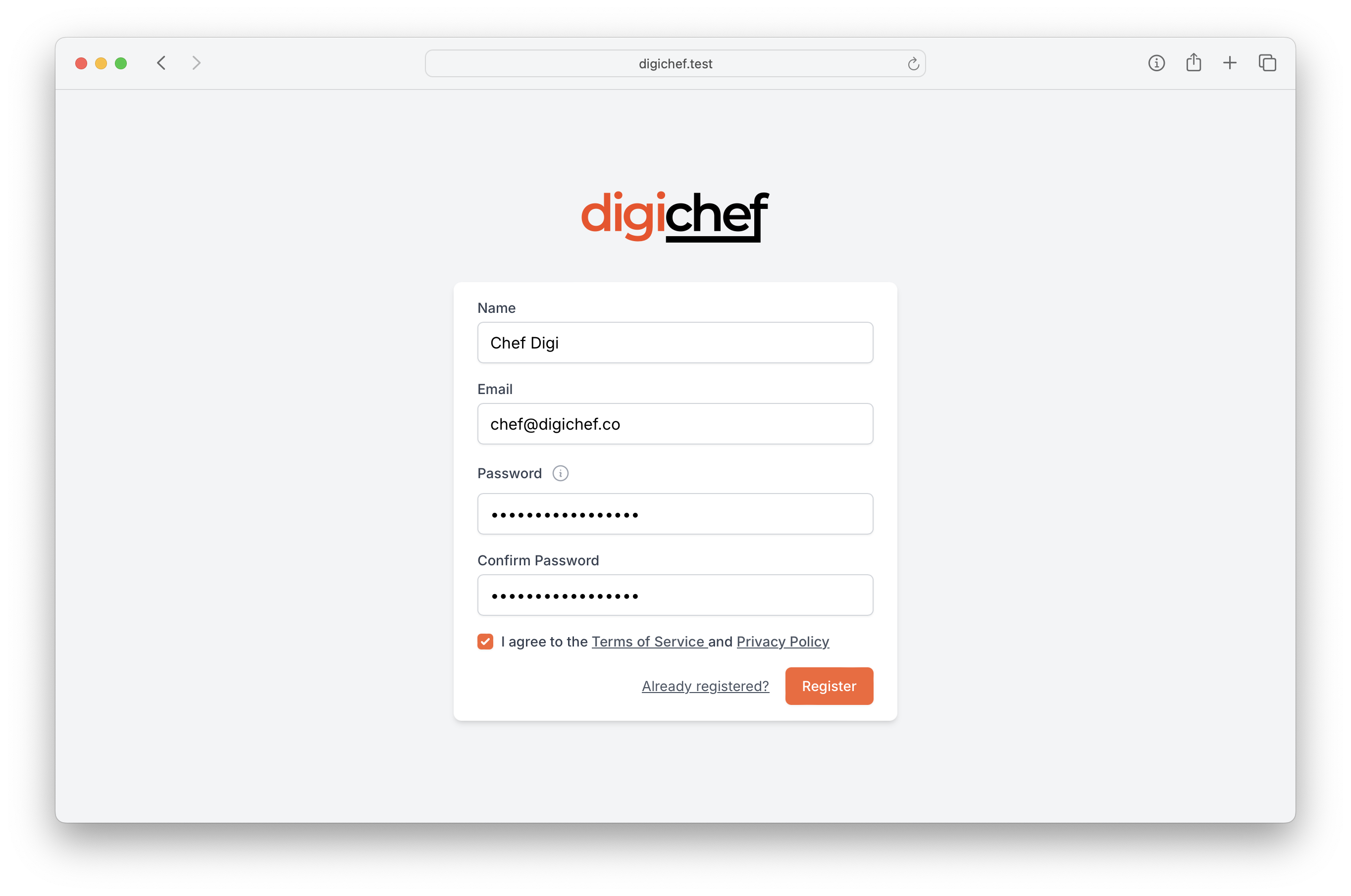
- Nagivate to the registration page.
- Enter your account details, and accept the terms of service.
- Click Register.
- Check your email, and follow the Verify Email link.
INFO
Your password must be at least 8 characters long, and contain at least one letter, one number, and one special character.
Create your company
- Enter your Company Name.
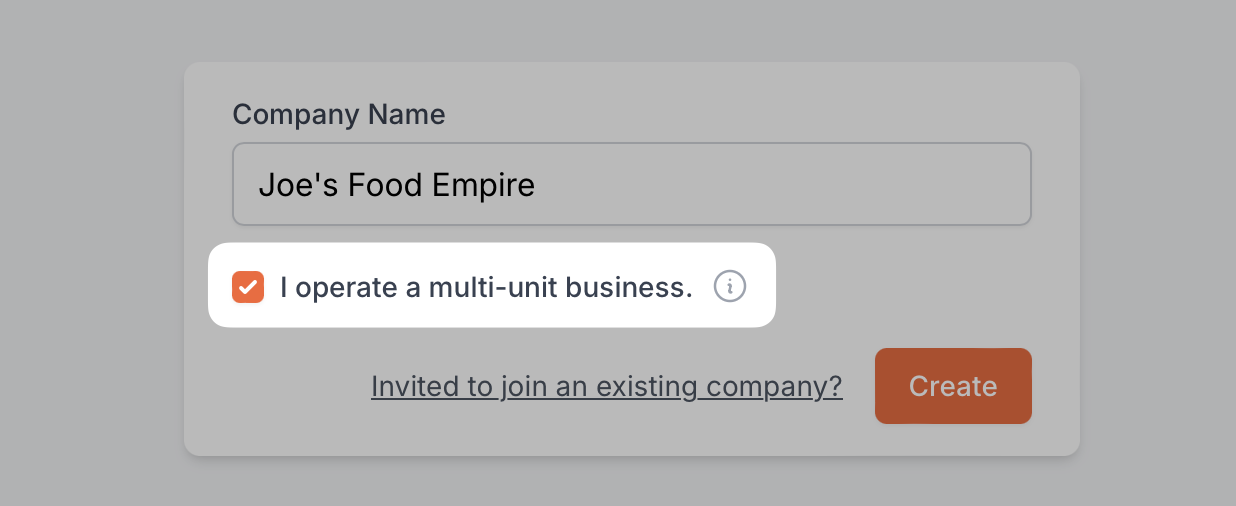
- Check the I operate a multi-unit business box if you have more than one location.
- Click Create.
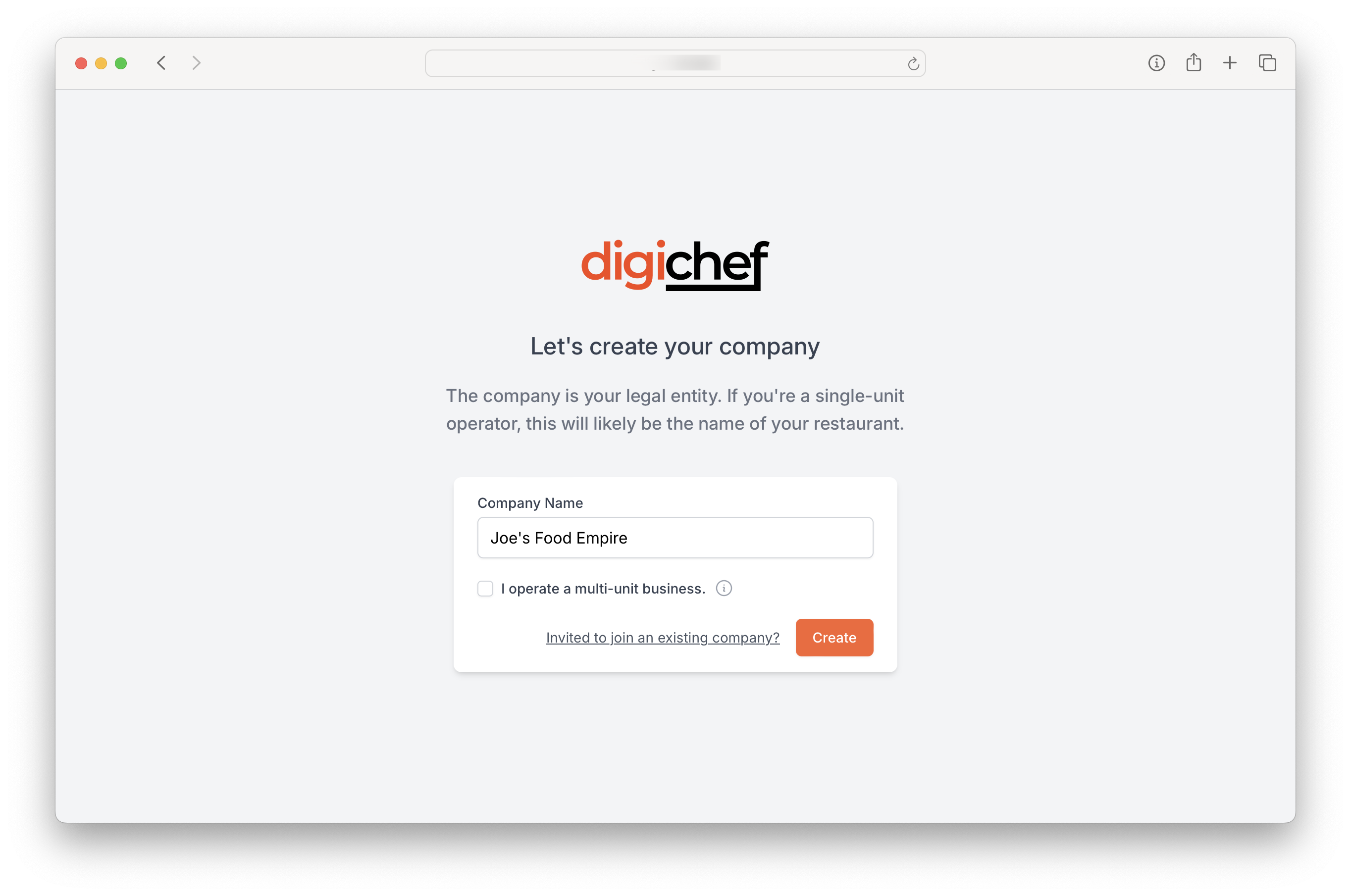
A company is the organisation associated with billing, and lets you manage one or many different stores or locations. A company can have many users associated with it, and provides you with a centralised view across your entire organisation.
- If you're a single-unit operator, you can simply enter the name of your restaurant or cafe here.
- When you've got multiple locations, DigiChef can help you bring you visibility across your entire chain. Select this option, and in the next step you'll be given a chance to enter the names of your locations.
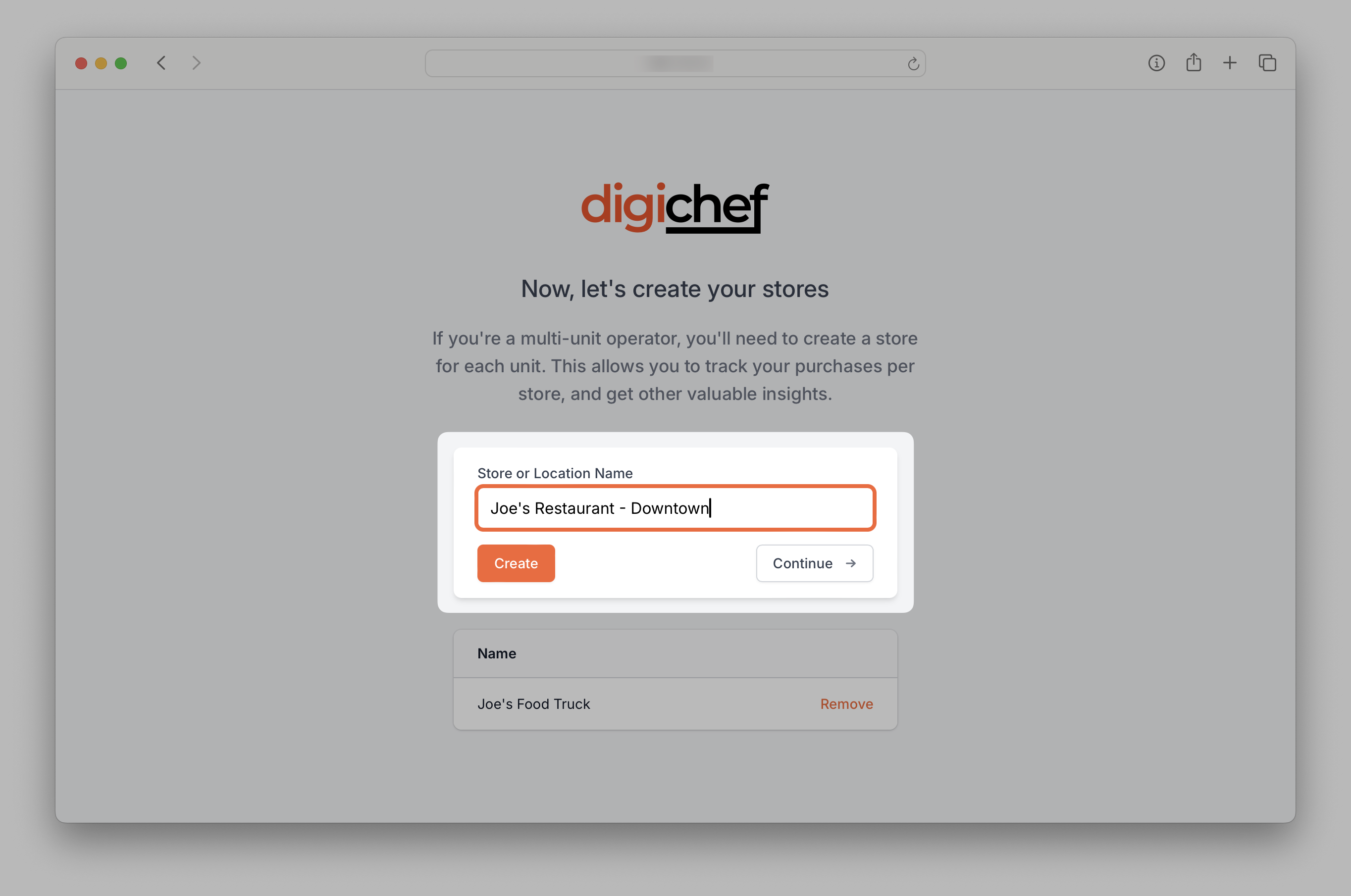
(Optional) Create your store locations
- Enter the name of your location
- Click Create
- Repeat until you have created all of your locations
- Click Continue
Select a plan
- Select the Yearly or Monthly option.
- Select your pricing plan.
- Click Subscribe.
- You will be redirected to our secure payment provider where you can enter your payment details.
- Click Start Trial to begin your 30-day free trial!
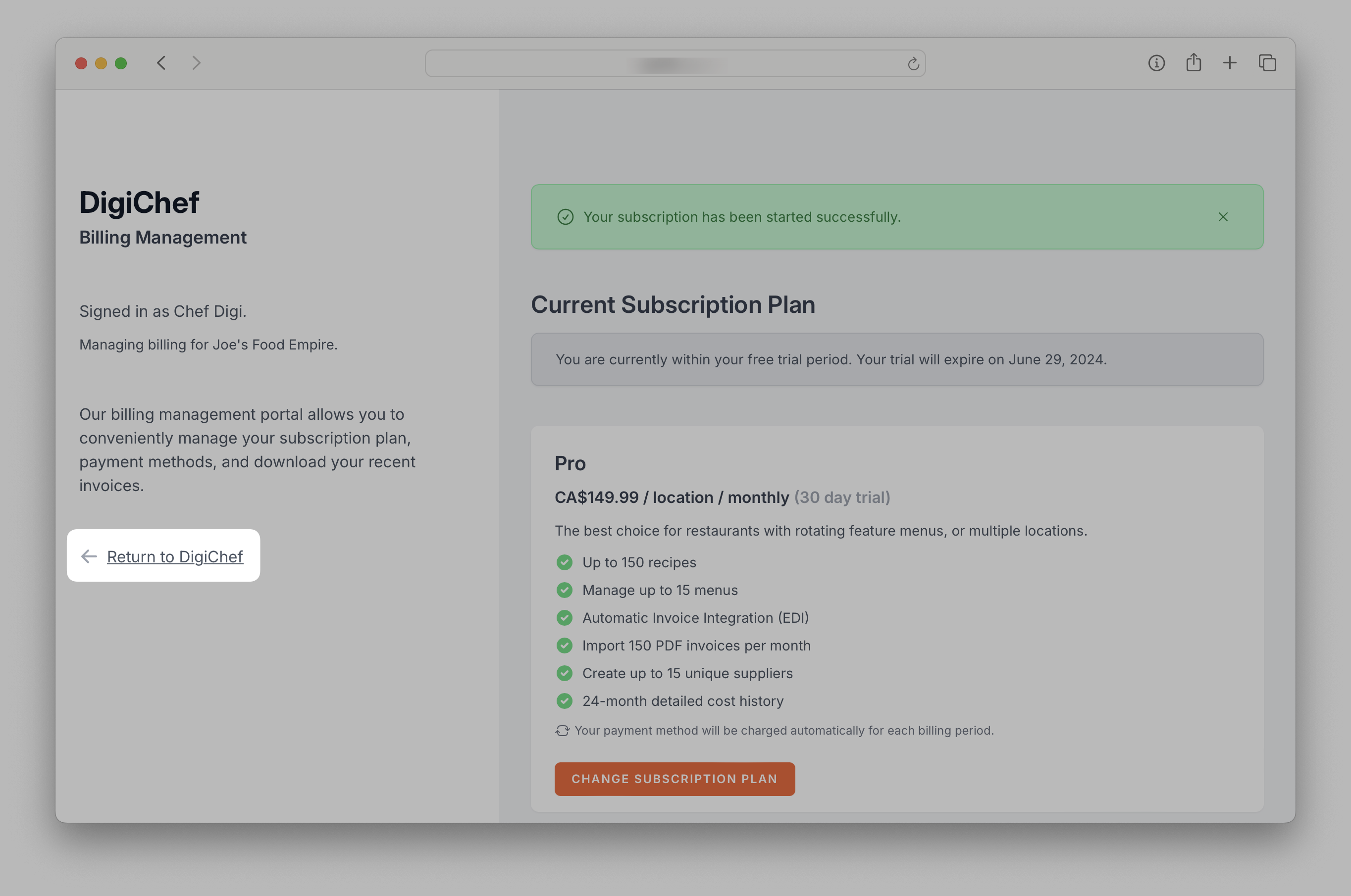
- You will be redirected back to the billing page, where you can click on Return to DigiChef to navigate to the dashboard.
INFO
By default, receipts will be sent to the company account owner's email address; however, if you'd like the receipts to go to multiple email addresses (e.g.: a copy to be sent to your accountant) then enter all desired recipient email addresses into the Reciept Email Addresses field, then click Save.
The billing page is where you can easily update or modify your billing information, select a new plan, or view your past receipts.